Pro Portrait Studio
Studio Quality, Anywhere. Fix your portraits.
You don't need a green screen. Take a portrait anywhere, then remove the background to add a professional textured or solid backdrop.
Drag and drop an image
or press Ctrl + V to paste
Supports PNG, JPG, WEBP, and HEIC (iPhone photos)
No image?
Try one of these
This service operates fully locally, ensuring that no data is uploaded to the cloud. Additionally, there are no limits on usage, allowing you to process an unlimited number of images.


Drag the slider to compare before and after
Stunning quality

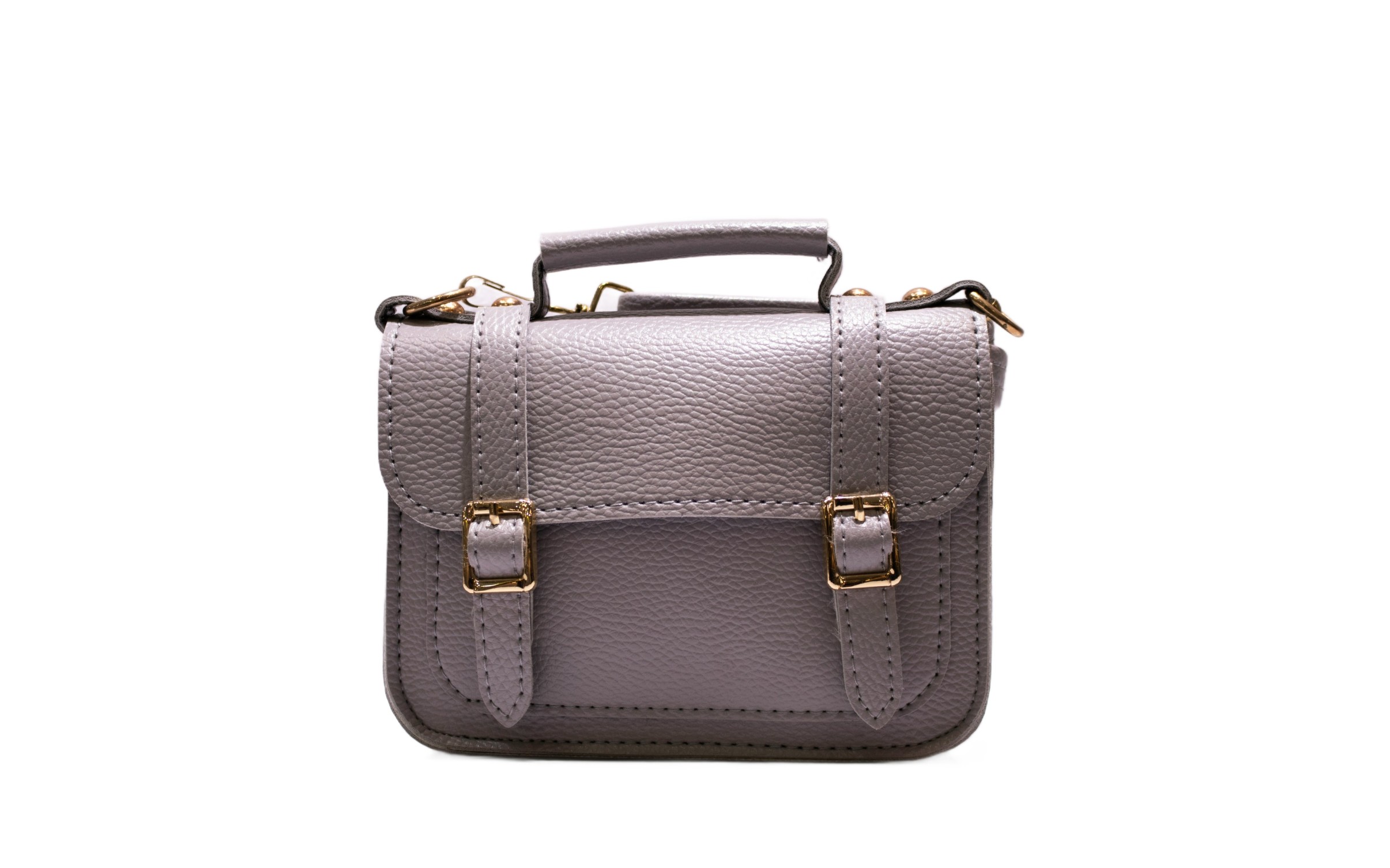
Hair Separation
The mark of a good cutout is the hair. Our AI excels at separating loose strands from the background for a realistic look.
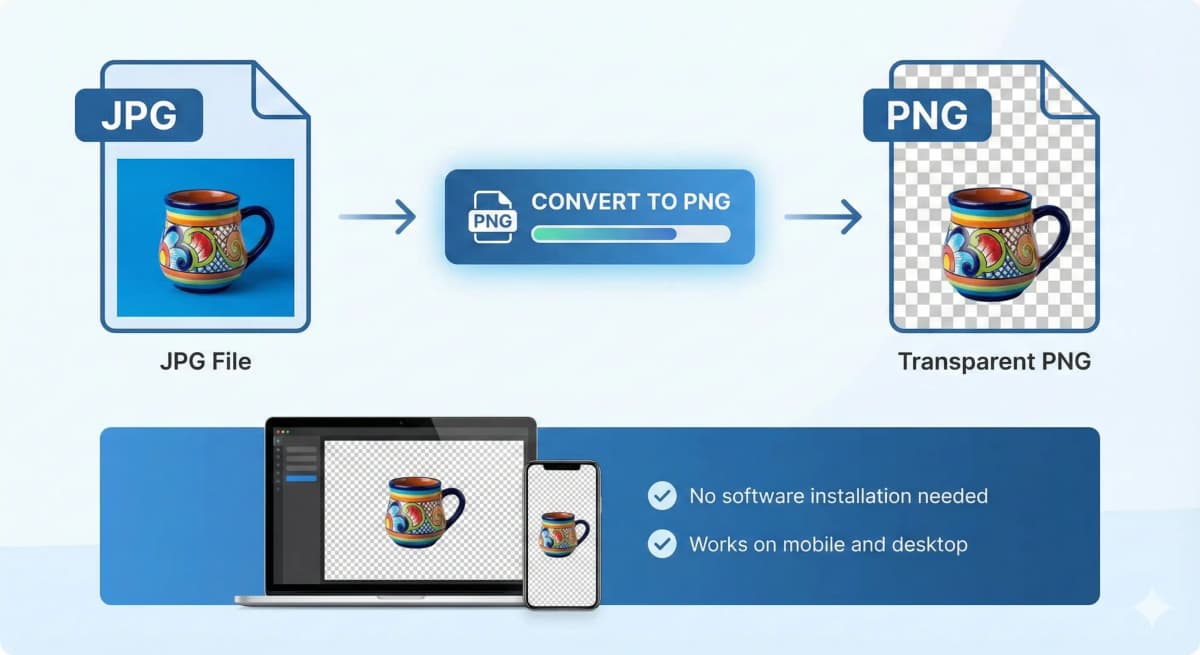
Corporate Directories
Standardize your company's team page. Have everyone take a photo, then use our tool to put them all on the exact same brand-color background.

Actor Headshots
Actors can use this to quickly swap backgrounds on their headshots to suit different roles (dramatic, commercial, etc).
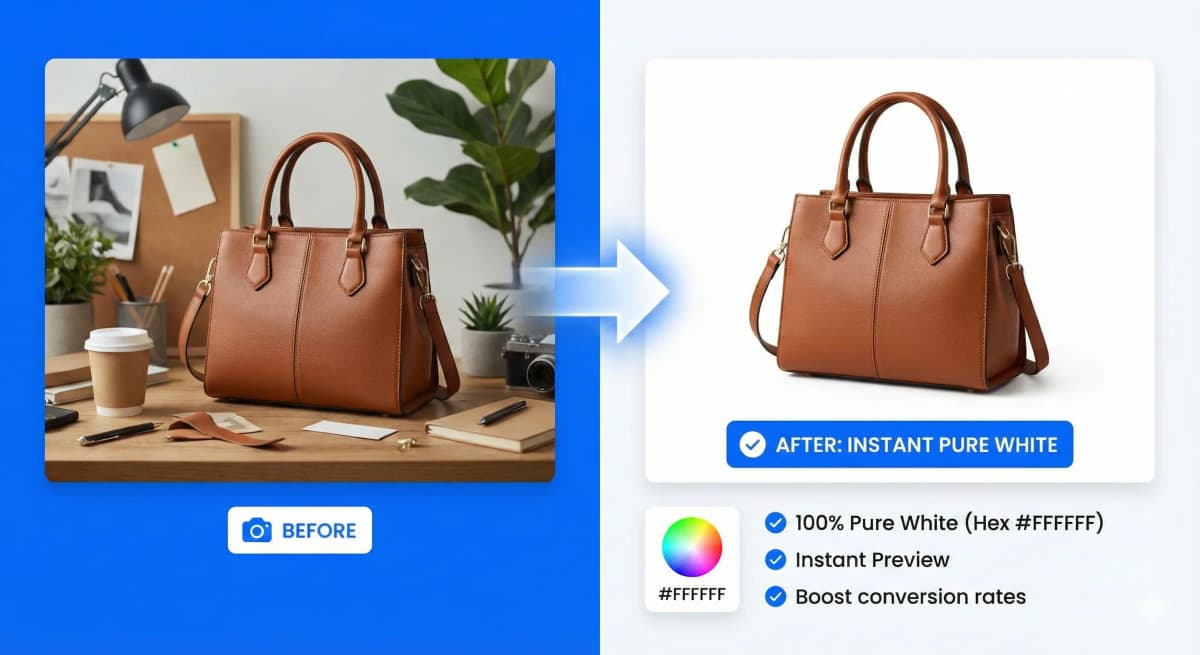
Who is it made for?
Whether you're a seasoned photographer, a creative graphic designer, an innovative marketer, or running a dynamic eCommerce store, NoBG.space will seamlessly adapt to your specific needs.

How It Works
A simple, secure, and powerful workflow designed for your privacy and productivity.
1. Select Your Image
Upload from your device, drag and drop, or simply paste from your clipboard. We support PNG, JPG, WEBP, and HEIC formats.
2. Automatic Processing
Our advanced AI processes your image locally in your browser. No waiting queues, no data uploads, just instant results.
3. Preview & Compare
Inspect the result with our side-by-side comparison tool. Zoom in to check the fine details and precision of the cutout.
4. Download
Get your high-quality PNG with transparent background instantly. No watermarks, no sign-ups, and completely free.
Frequently Asked Questions
Everything you need to know about our service
Remove Image Background
fully automated, processed locally without cloud uploads, and UNLIMITED
Drag and drop an image
or press Ctrl + V to paste
Supports PNG, JPG, WEBP, and HEIC (iPhone photos)
No image?
Try one of these
This service operates fully locally, ensuring that no data is uploaded to the cloud. Additionally, there are no limits on usage, allowing you to process an unlimited number of images.