Batch Image Efficiency
Speed Through Your Photo Library. Zero upload wait times.
Because we process locally, you can edit multiple images one after another instantly without waiting for slow server uploads.
Drag and drop an image
or press Ctrl + V to paste
Supports PNG, JPG, WEBP, and HEIC (iPhone photos)
No image?
Try one of these
This service operates fully locally, ensuring that no data is uploaded to the cloud. Additionally, there are no limits on usage, allowing you to process an unlimited number of images.


Drag the slider to compare before and after
Stunning quality

No Cloud Bottlenecks
Traditional tools make you upload files one by one to a server. We run in your browser. This means you can process 10, 50, or 100 images as fast as your computer can handle them.

Ideal for E-Commerce
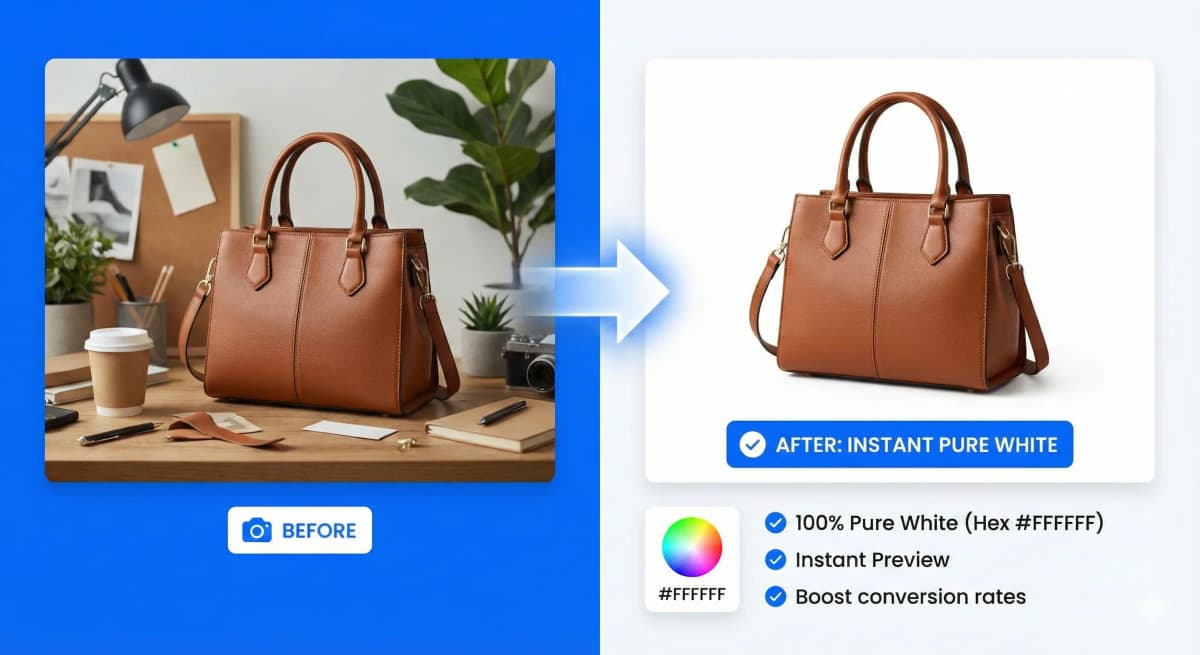
Sellers on eBay, Amazon, or Shopify need to process dozens of product photos daily. Our tool provides the speed required to get your inventory online fast.
- ✓ Consistent white backgrounds
- ✓ Fast throughput
- ✓ No cost per image
Secure Bulk Workflow
When working with many files, privacy is key. Since files never leave your machine, you can process sensitive product prototypes or personal albums without worry.
Who is it made for?
Whether you're a seasoned photographer, a creative graphic designer, an innovative marketer, or running a dynamic eCommerce store, NoBG.space will seamlessly adapt to your specific needs.

How It Works
A simple, secure, and powerful workflow designed for your privacy and productivity.
1. Select Your Image
Upload from your device, drag and drop, or simply paste from your clipboard. We support PNG, JPG, WEBP, and HEIC formats.
2. Automatic Processing
Our advanced AI processes your image locally in your browser. No waiting queues, no data uploads, just instant results.
3. Preview & Compare
Inspect the result with our side-by-side comparison tool. Zoom in to check the fine details and precision of the cutout.
4. Download
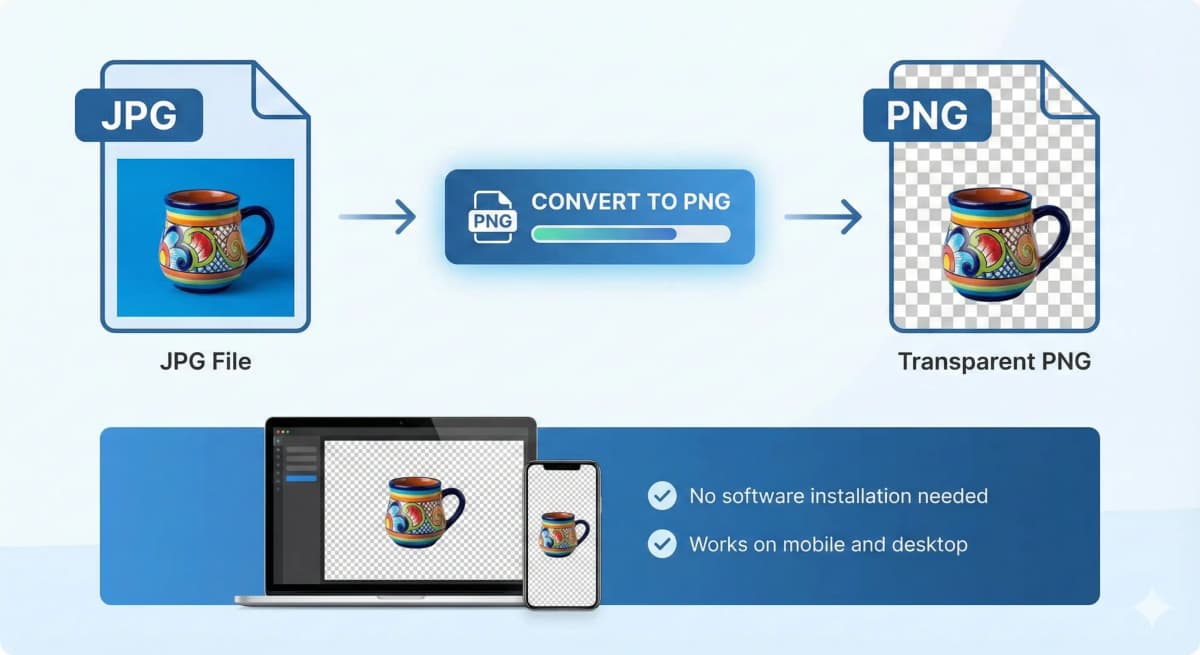
Get your high-quality PNG with transparent background instantly. No watermarks, no sign-ups, and completely free.
Frequently Asked Questions
Everything you need to know about our service
Remove Image Background
fully automated, processed locally without cloud uploads, and UNLIMITED
Drag and drop an image
or press Ctrl + V to paste
Supports PNG, JPG, WEBP, and HEIC (iPhone photos)
No image?
Try one of these
This service operates fully locally, ensuring that no data is uploaded to the cloud. Additionally, there are no limits on usage, allowing you to process an unlimited number of images.