iPhone Photo (HEIC) Editor
Clean up iPhone photos instantly. No file conversion needed.
We support HEIC files natively. Upload photos directly from your iPhone and download them as ready-to-use PNGs.
Drag and drop an image
or press Ctrl + V to paste
Supports PNG, JPG, WEBP, and HEIC (iPhone photos)
No image?
Try one of these
This service operates fully locally, ensuring that no data is uploaded to the cloud. Additionally, there are no limits on usage, allowing you to process an unlimited number of images.


Drag the slider to compare before and after
Stunning quality


Designed for iPhone Photos
HEIC is the default format for iPhones. Our tool supports HEIC directly, so you don't need to convert your mobile photos to JPG before editing.
Simply transfer your photos and upload them to remove the background instantly.
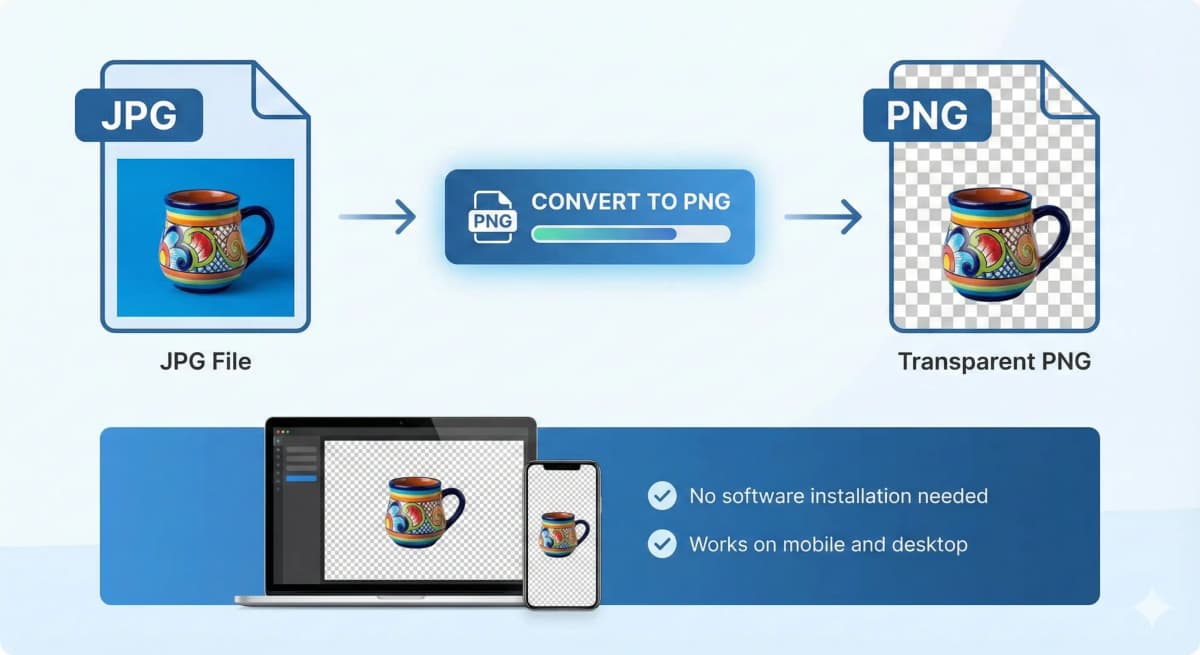
Convert HEIC to PNG
Not only do we remove the background, but we also output the file as a widely compatible PNG. This effectively acts as a HEIC to PNG converter with the bonus of background removal.
- ✓ Universal compatibility
- ✓ Save storage space
- ✓ Ready for social media

Privacy Guaranteed
Your personal photos are safe. We use local browser processing technology, which means your HEIC files are processed on your computer, not on our servers.

Who is it made for?
Whether you're a seasoned photographer, a creative graphic designer, an innovative marketer, or running a dynamic eCommerce store, NoBG.space will seamlessly adapt to your specific needs.

How It Works
A simple, secure, and powerful workflow designed for your privacy and productivity.
1. Select Your Image
Upload from your device, drag and drop, or simply paste from your clipboard. We support PNG, JPG, WEBP, and HEIC formats.
2. Automatic Processing
Our advanced AI processes your image locally in your browser. No waiting queues, no data uploads, just instant results.
3. Preview & Compare
Inspect the result with our side-by-side comparison tool. Zoom in to check the fine details and precision of the cutout.
4. Download
Get your high-quality PNG with transparent background instantly. No watermarks, no sign-ups, and completely free.
Frequently Asked Questions
Everything you need to know about our service
Remove Image Background
fully automated, processed locally without cloud uploads, and UNLIMITED
Drag and drop an image
or press Ctrl + V to paste
Supports PNG, JPG, WEBP, and HEIC (iPhone photos)
No image?
Try one of these
This service operates fully locally, ensuring that no data is uploaded to the cloud. Additionally, there are no limits on usage, allowing you to process an unlimited number of images.