Black & White Photo Editor
Isolate Subjects in B&W Photos. Perfect for vintage restoration.
Our AI understands contrast and context, easily removing backgrounds even from monochrome images.
Drag and drop an image
or press Ctrl + V to paste
Supports PNG, JPG, WEBP, and HEIC (iPhone photos)
No image?
Try one of these
This service operates fully locally, ensuring that no data is uploaded to the cloud. Additionally, there are no limits on usage, allowing you to process an unlimited number of images.


Drag the slider to compare before and after
Stunning quality

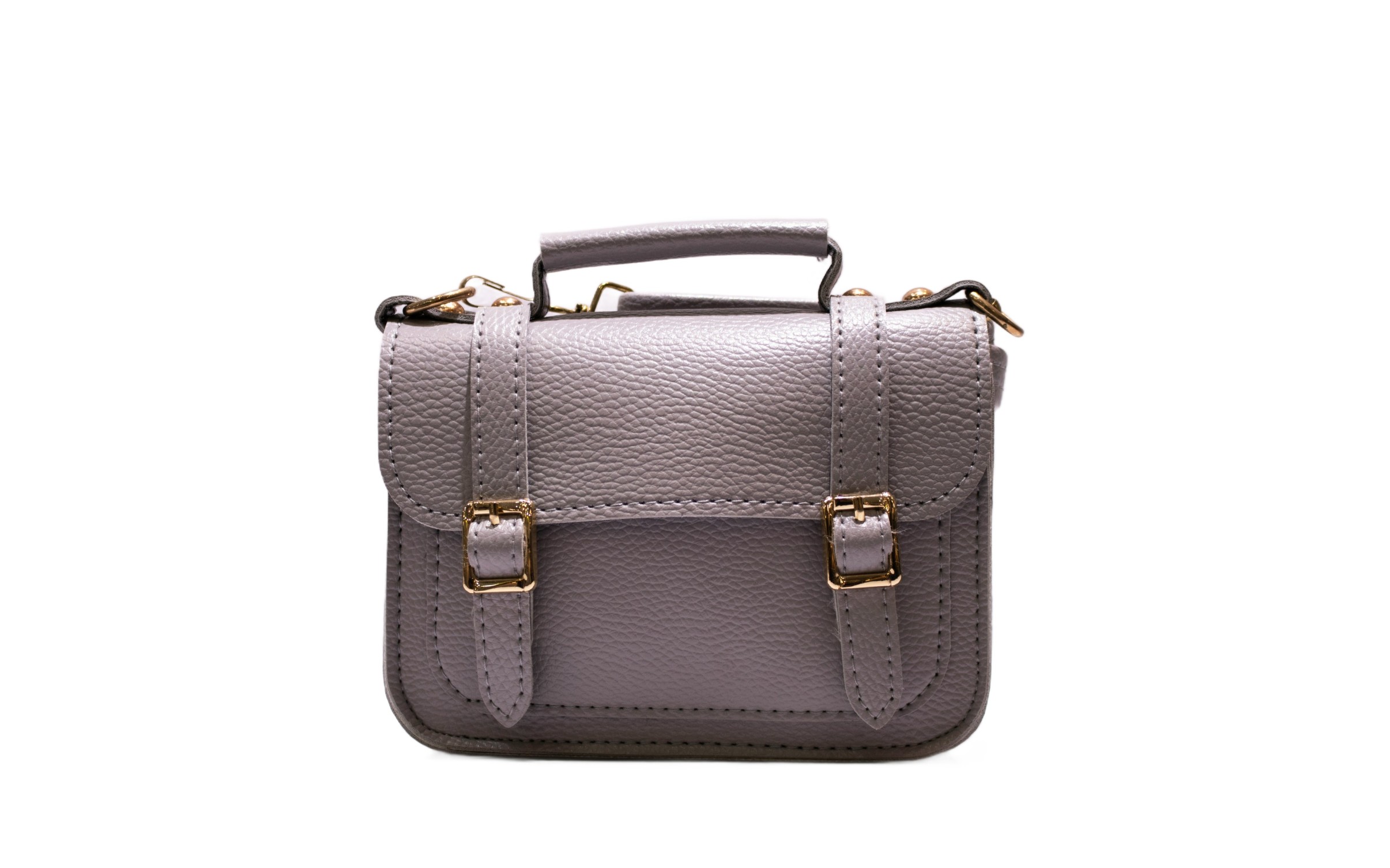
Vintage Photo Restoration
Restoring an old family photo? Remove the damaged or faded background to focus on the person, then place them on a fresh, clean backdrop.
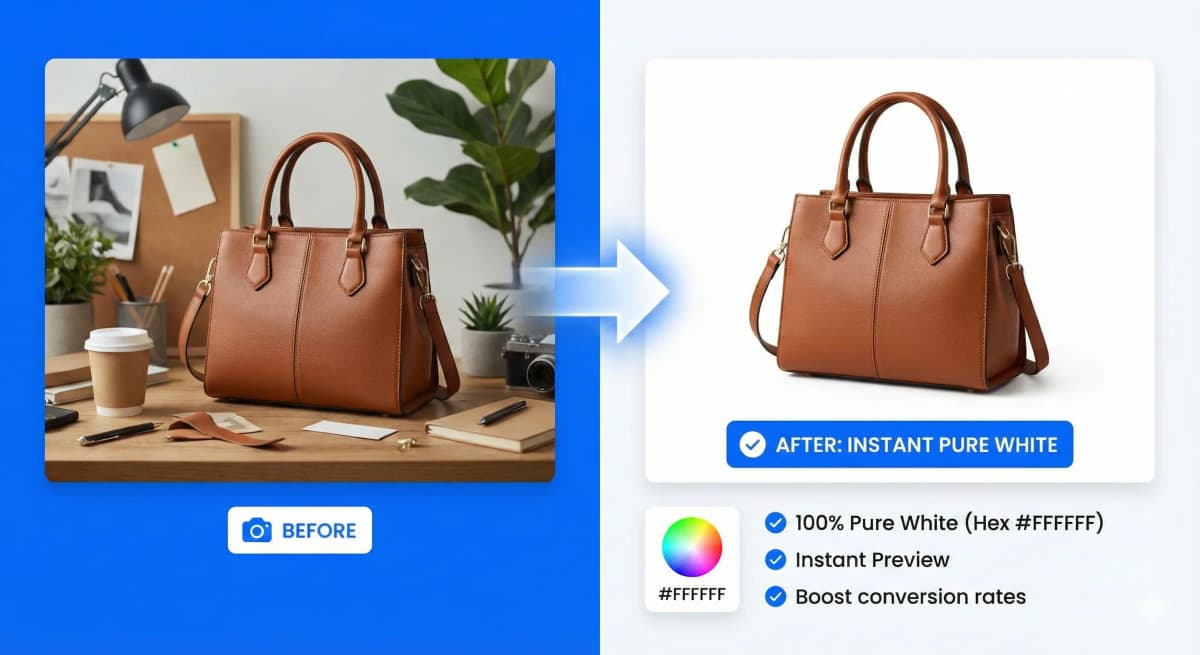
Contrast-Based Extraction
Black and white images rely on light and shadow. Our tool is optimized to distinguish the subject from the background without relying on color data.
- ✓ High precision
- ✓ Handle film grain
- ✓ Soft edge preservation
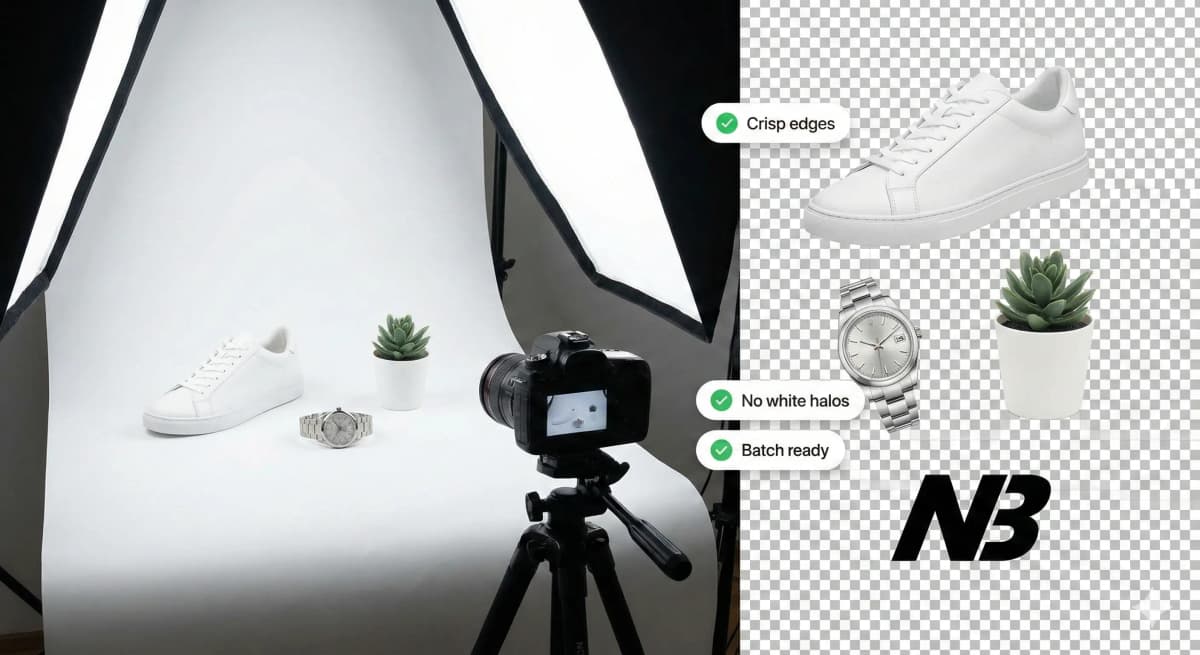
Artistic Composition
Create dramatic collages by extracting elements from noir style photography. Mix black and white subjects with colorful backgrounds for impact.
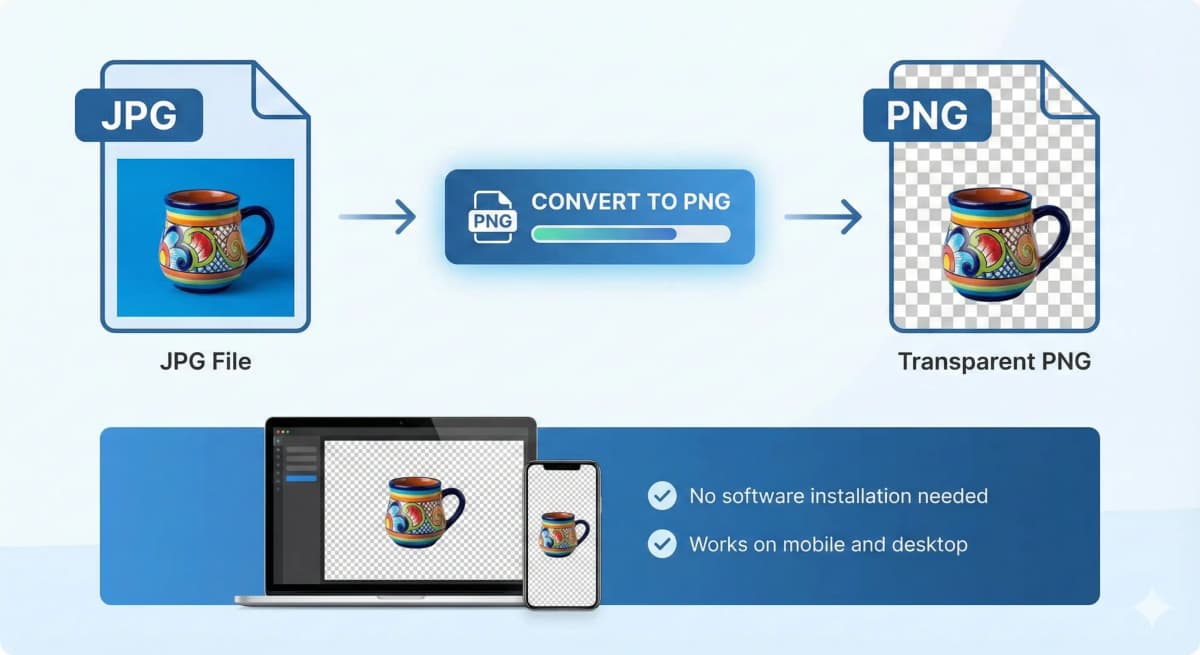
Who is it made for?
Whether you're a seasoned photographer, a creative graphic designer, an innovative marketer, or running a dynamic eCommerce store, NoBG.space will seamlessly adapt to your specific needs.

How It Works
A simple, secure, and powerful workflow designed for your privacy and productivity.
1. Select Your Image
Upload from your device, drag and drop, or simply paste from your clipboard. We support PNG, JPG, WEBP, and HEIC formats.
2. Automatic Processing
Our advanced AI processes your image locally in your browser. No waiting queues, no data uploads, just instant results.
3. Preview & Compare
Inspect the result with our side-by-side comparison tool. Zoom in to check the fine details and precision of the cutout.
4. Download
Get your high-quality PNG with transparent background instantly. No watermarks, no sign-ups, and completely free.
Frequently Asked Questions
Everything you need to know about our service
Remove Image Background
fully automated, processed locally without cloud uploads, and UNLIMITED
Drag and drop an image
or press Ctrl + V to paste
Supports PNG, JPG, WEBP, and HEIC (iPhone photos)
No image?
Try one of these
This service operates fully locally, ensuring that no data is uploaded to the cloud. Additionally, there are no limits on usage, allowing you to process an unlimited number of images.