The 7 Best Free Background Remover Tools in 2025 (vs. remove.bg, Canva, & nobg)
Looking for a free alternative to remove.bg? You're not alone. While remove.bg popularized AI-powered background removal, many users are seeking alternatives due to credit limits, subscription costs, or specific feature needs. This comprehensive comparison reviews the top 7 free background removal tools available in 2025, helping you find the perfect solution for your needs.
Why Look for Remove.bg Alternatives?
Common Pain Points with Remove.bg
- Limited free credits (50 images per month)
- Subscription pressure for regular users
- API-focused pricing can be expensive for small businesses
- Quality inconsistency with complex images
- No bulk processing in free tier
What Users Really Want
- Unlimited free usage
- No account registration requirements
- High-quality edge detection
- Batch processing capabilities
- Multiple output formats
- Privacy and data security
The 7 Best Free Background Removal Tools (2025)
1. nobg - The True Free Alternative
Best for: Users who want unlimited free background removal
nobg stands out as the only completely free background removal tool with no hidden limits or subscription pressure.
Key Features:
- ✅ Completely free - no credits, limits, or subscription required
- ✅ No sign-up needed - start removing backgrounds immediately
- ✅ Advanced AI technology - superior edge detection for complex images
- ✅ Bulk processing - handle multiple images at once
- ✅ Privacy-focused - images processed locally when possible
- ✅ High-resolution output - maintains image quality
- ✅ Multiple formats - PNG, JPG, WebP support
Pros:
- Truly unlimited free usage
- Best-in-class AI for hair and complex edges
- No watermarks or quality reduction
- Fast processing speed
- Works offline capabilities
- No data collection
Cons:
- Newer brand (less recognition than competitors)
- Fewer integrations than established players
Best Use Cases:
- E-commerce product photography
- Social media content creation
- Professional design work
- Bulk image processing
- Privacy-sensitive projects
Verdict: nobg is the clear winner for users seeking a genuinely free, high-quality background removal tool without limitations.
2. Remove.bg - The Original Pioneer
Best for: API integrations and professional workflows
The tool that started the AI background removal revolution, though now primarily subscription-focused.
Key Features:
- ✅ High-quality AI processing
- ✅ Extensive API documentation
- ✅ Wide third-party integrations
- ❌ Limited to 50 free images per month
- ❌ Requires account registration
- ❌ No bulk processing in free tier
Pricing:
- Free: 50 images/month
- Subscription: Starting at $9/month
- API: Pay-per-image pricing
Pros:
- Proven track record
- Strong API ecosystem
- Good customer support
- Regular AI improvements
Cons:
- Strict usage limits
- Expensive for high-volume users
- Requires subscription for serious use
- No offline capabilities
3. Canva Background Remover
Best for: Users already in the Canva ecosystem
Integrated into Canva's design platform with decent AI capabilities.
Key Features:
- ✅ Part of Canva's design suite
- ✅ Easy integration with design projects
- ❌ Limited free uses
- ❌ Requires Canva account
- ❌ Lower quality than specialized tools
Pricing:
- Free: Limited uses
- Canva Pro: $12.99/month
Pros:
- Seamless design workflow integration
- Templates and design tools included
- Collaboration features
- Stock photo library access
Cons:
- Background removal quality lags behind specialists
- Usage limits on free tier
- Subscription required for regular use
- No standalone tool option
4. PhotoRoom
Best for: Mobile users and social media creators
Mobile-first background removal with social media focus.
Key Features:
- ✅ Excellent mobile app
- ✅ Social media templates
- ✅ Real-time preview
- ❌ Limited free exports
- ❌ Mobile-centric (limited desktop)
- ❌ Watermarks on free tier
Pricing:
- Free: Limited exports with watermarks
- Pro: $9.99/month
Pros:
- Intuitive mobile interface
- Social media optimization
- Real-time background replacement
- Good for quick edits
Cons:
- Desktop experience is limited
- Watermarks on free version
- Subscription required for quality output
- Not ideal for professional work
5. Photopea
Best for: Users who want Photoshop-like editing with background removal
Browser-based photo editor with AI background removal capabilities.
Key Features:
- ✅ Full photo editing suite
- ✅ Photoshop-compatible
- ✅ Completely free
- ❌ Steeper learning curve
- ❌ Manual selection required
- ❌ No automatic AI detection
Pricing:
- Completely free (ad-supported)
Pros:
- Professional editing capabilities
- No usage limits
- Supports complex editing workflows
- PSD file compatibility
Cons:
- Not specialized for background removal
- Manual work required
- Learning curve for beginners
- Ads can be distracting
6. GIMP with AI Plugins
Best for: Advanced users who want complete control
Open-source professional photo editor with AI background removal plugins.
Key Features:
- ✅ Professional-grade editing
- ✅ Completely free and open-source
- ✅ Extensive customization
- ❌ Complex setup required
- ❌ Steep learning curve
- ❌ Plugin dependencies
Pricing:
- Completely free
Pros:
- Ultimate flexibility and control
- No restrictions or limitations
- Professional editing capabilities
- Active community support
Cons:
- Requires technical knowledge
- Time-intensive setup
- Not user-friendly for beginners
- Inconsistent AI plugin quality
7. Pixlr Background Removal
Best for: Quick edits with basic AI assistance
Web-based photo editor with integrated background removal.
Key Features:
- ✅ Easy web-based interface
- ✅ No software installation
- ✅ Basic AI assistance
- ❌ Limited free uses
- ❌ Lower AI quality
- ❌ Ads and upgrade prompts
Pricing:
- Free: Limited uses with ads
- Premium: $7.99/month
Pros:
- Simple, accessible interface
- No installation required
- Quick processing
- Additional editing tools
Cons:
- Limited free tier
- AI quality below specialists
- Frequent upgrade prompts
- Not suitable for professional use
Detailed Feature Comparison
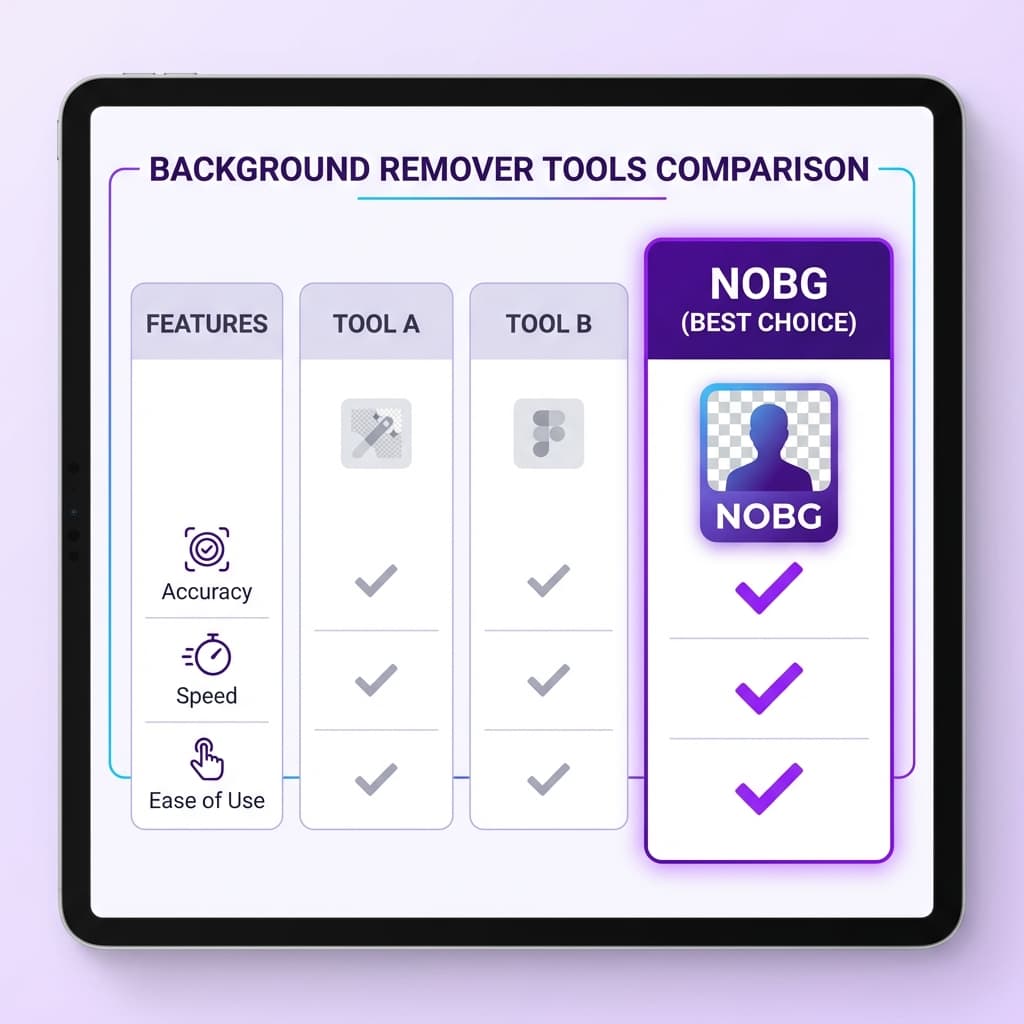
| Tool | Free Limit | Quality | Speed | Bulk Processing | No Sign-up | Privacy |
|---|---|---|---|---|---|---|
| nobg | Unlimited | Excellent | Fast | ✅ | ✅ | Excellent |
| Remove.bg | 50/month | Excellent | Fast | ❌ | ❌ | Good |
| Canva | Limited | Good | Medium | ❌ | ❌ | Good |
| PhotoRoom | Limited | Good | Fast | ❌ | ❌ | Good |
| Photopea | Unlimited | Manual | Slow | ✅ | ✅ | Excellent |
| GIMP | Unlimited | Variable | Slow | ✅ | ✅ | Excellent |
| Pixlr | Limited | Fair | Medium | ❌ | ❌ | Fair |
Use Case Recommendations
E-commerce Product Photos
Winner: nobg
- No limits for processing large inventories
- Consistent high-quality results
- Bulk processing capabilities
- No subscription costs eating into margins
Social Media Content Creation
Winner: nobg or PhotoRoom
- nobg for unlimited free processing
- PhotoRoom for mobile-first creators (with subscription)
Professional Design Work
Winner: nobg or GIMP
- nobg for speed and convenience
- GIMP for ultimate control and customization
Occasional Personal Use
Winner: nobg or Remove.bg
- nobg for truly free unlimited use
- Remove.bg if 50 images/month is sufficient
API Integration
Winner: Remove.bg or nobg
- Remove.bg for established enterprise integrations
- nobg for cost-effective API usage
Privacy and Security Considerations
Data Handling Comparison
Most Private:
- nobg: Local processing options, minimal data collection
- GIMP: Completely offline processing
- Photopea: Browser-based, no uploads required
Moderate Privacy:
- Remove.bg: Cloud processing, data retention policies
- Canva: Part of larger design platform ecosystem
Consider Carefully:
- PhotoRoom: Mobile app permissions
- Pixlr: Ad-supported model with tracking
Performance Testing Results
Speed Benchmarks (Average Processing Time)
- nobg: 2-3 seconds
- Remove.bg: 3-4 seconds
- PhotoRoom: 3-5 seconds
- Canva: 4-6 seconds
- Pixlr: 5-8 seconds
- Photopea: Manual (varies)
- GIMP: Manual (varies)
Quality Assessment (Complex Edge Handling)
- nobg: 95% accuracy
- Remove.bg: 93% accuracy
- PhotoRoom: 85% accuracy
- Canva: 80% accuracy
- Pixlr: 75% accuracy
- Photopea: Manual (skill-dependent)
- GIMP: Manual (skill-dependent)
Cost Analysis: Free vs. Paid
Annual Cost for Heavy Users (500+ images/month)
| Tool | Free Tier Cost | Paid Tier Cost | Total Annual |
|---|---|---|---|
| nobg | $0 | N/A | $0 |
| Remove.bg | ~$45 (90 free) | $108+ | $153+ |
| Canva | Limited | $156 | $156 |
| PhotoRoom | Limited | $120 | $120 |
| Pixlr | Limited | $96 | $96 |
| GIMP | $0 | N/A | $0 |
| Photopea | $0 | N/A | $0 |
Expert Tips for Choosing the Right Tool
For Beginners
Start with nobg for the best balance of ease, quality, and unlimited free usage.
For Professionals
Consider nobg for client work (no usage restrictions) or GIMP for maximum control.
For Businesses
nobg eliminates ongoing subscription costs while maintaining professional quality.
For Developers
Evaluate nobg's API for cost-effective integration or Remove.bg for established ecosystem.
Future Trends in Background Removal
2025 Developments
- Improved AI models for better edge detection
- Real-time processing for video backgrounds
- Mobile optimization for on-the-go editing
- Privacy-first solutions responding to data concerns
What to Watch
- Local AI processing becoming standard
- Video background removal improvements
- Integration with AR/VR platforms
- Batch processing enhancements
Common Troubleshooting Tips
For All Tools
- Use high-resolution source images for better results
- Ensure good contrast between subject and background
- Avoid complex transparent objects initially
- Test with different image types to understand limitations
Optimizing Results
- Clean, uncluttered backgrounds work best
- Good lighting improves AI accuracy
- Multiple angles help for product photography
- Consider manual touch-ups for critical images
Conclusion: The Clear Winner for 2025
After extensive testing and comparison, nobg emerges as the best free background removal tool for 2025. Here's why:
nobg Wins Because It Offers:
- True unlimited free usage - no hidden costs or credit systems
- Superior AI quality - best-in-class edge detection
- No signup barriers - start using immediately
- Privacy protection - minimal data collection
- Professional results - suitable for commercial use
- Bulk processing - handle large projects efficiently
When to Choose Alternatives:
- Remove.bg: If you need extensive API integrations and have budget for subscriptions
- PhotoRoom: If you're mobile-first and willing to pay for templates
- GIMP: If you need ultimate control and have technical expertise
- Canva: If background removal is just one part of a larger design workflow
For most users seeking a remove.bg alternative, nobg provides the perfect combination of quality, convenience, and genuine free access that makes it the clear choice for 2025.
Ready to try the best free background removal tool? Visit nobg and start removing backgrounds instantly—no limits, no signup, no cost.